Last fact-checked: August 19, 2026. Suica availability, app features, and supported devices can change, so check the linked official pages before traveling.
Quick answer: For most U.S. travelers with a compatible iPhone, adding Suica to Apple Wallet is the easiest option. Travelers who prefer a physical card—or whose Android phone does not support Japan’s mobile IC-card system—can use a physical Welcome Suica. The physical visitor card is valid for 28 days, while Welcome Suica Mobile is valid for 180 days.
Suica is useful for local trains, subways, buses, convenience stores, vending machines, and many other everyday payments. However, it does not automatically replace every long-distance or Shinkansen ticket.
- What is Suica?
- Which Suica option is best for tourists?
- Using Suica with Apple Wallet
- What is Welcome Suica Mobile?
- Can U.S. Android phones use mobile Suica?
- Where can tourists buy a physical Welcome Suica?
- How the physical Welcome Suica works
- How much money should you add?
- Can one Suica be shared by two people?
- Can Suica be used in Osaka and Kyoto?
- Can you use Suica on the Shinkansen?
- Common Suica problems and fixes
- Suica vs. PASMO vs. ICOCA: Does the name matter?
- Best option for most U.S. travelers
- Final checklist
- Official sources
What is Suica?
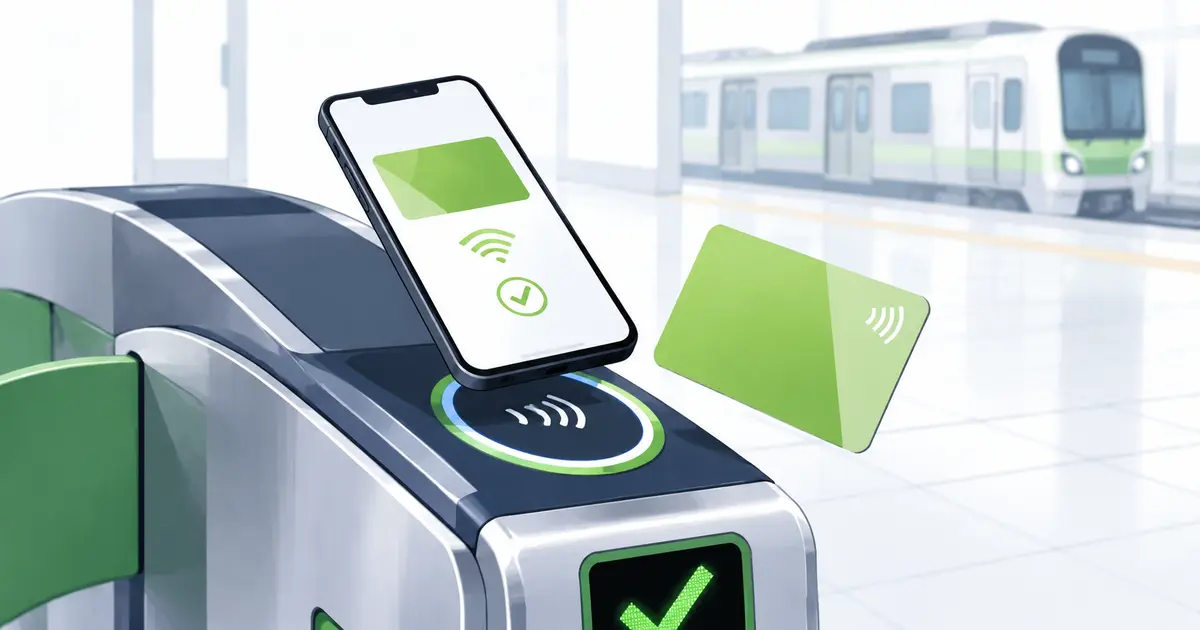
Suica is a rechargeable prepaid IC card issued by JR East. Instead of buying a paper ticket for every local train journey, you tap the card or phone at the ticket gate when entering and leaving.
The correct fare is deducted automatically from the stored balance.
Suica can also be used at many:
- Subways and local railways
- Buses and monorails
- Convenience stores
- Vending machines
- Restaurants and shops
- Coin lockers
- Station facilities
Look for the Suica logo or the nationwide IC-card interoperability symbol.
Some station lockers also accept Suica for payment and use the same card as the locker key. See our Japan coin locker guide for sizes, prices, IC-card use, and what to do when lockers are full.
Which Suica option is best for tourists?
There are several ways to use Suica in 2026.
| Option | Best for | Validity | Important limitation |
|---|---|---|---|
| Suica in Apple Wallet | Travelers with a compatible iPhone or Apple Watch | Regular digital transit card | Requires a compatible device and eligible payment card |
| Welcome Suica Mobile | Short-term overseas visitors using iPhone | 180 days from issuance | Remaining balance is not refundable |
| Physical Welcome Suica | Travelers who prefer a card or have an incompatible phone | 28 days from purchase | Cash top-ups only; no balance refund |
| Regular physical Suica | Repeat visitors who want a reusable card | Becomes invalid after 10 years without use | Includes a ¥500 deposit |
For many U.S. visitors, the decision is simple:
- Compatible iPhone: Use Apple Wallet.
- Unsupported Android phone: Buy a physical Welcome Suica.
- Family with children: Physical cards may be easier, especially when purchasing a child card.
- Returning to Japan regularly: Consider a regular Suica rather than the short-term Welcome Suica products.
Using Suica with Apple Wallet
Apple allows compatible iPhones and Apple Watches to add Suica, PASMO, ICOCA, or TOICA through the Wallet app.
Suica is only one part of using an iPhone for payments in Japan. A U.S. credit or debit card in Apple Wallet follows different store-terminal rules and should not be confused with the transit card used at ticket gates. Our full Apple Pay guide for Japan explains EMV contactless acceptance, what to say at the register, foreign transaction fees, Express Mode, and why you should still bring a physical card and cash.
To add a new card on an iPhone:
- Open the Wallet app.
- Tap the plus button.
- Select Transit Card.
- Choose Suica.
- Tap Add New Card.
- Select the amount you want to add.
- Confirm the payment using an eligible card in Apple Wallet.
Apple says an iPhone 8 or later with a supported version of iOS is generally required. Certain older devices purchased in Japan may also work.
The first transit card added to Apple Wallet normally has Express Mode enabled automatically. With Express Mode, you can tap the iPhone or Apple Watch at a ticket gate without opening Wallet or authenticating every journey.
The device does not need an active cellular or Wi-Fi connection when you tap the gate.
If you are still checking whether your phone will work in Japan, read our guide for U.S. travelers.
What is Welcome Suica Mobile?
Welcome Suica Mobile is JR East’s iOS app for overseas visitors.
The app can issue and top up a digital Suica and includes English-language travel information. According to JR East and the U.S. App Store listing, it requires:
- An iPhone running iOS 17.2 or later
- Apple Pay
- A compatible Apple Watch if using the card on a watch
- A user age of at least 13
The card is valid for 180 days from issuance. There is no deposit or issuance fee, but any remaining balance expires and cannot be refunded.
JR East notes that app issuance or top-ups may be restricted in some countries. You may need to wait until you arrive in Japan and enable location access.
The app also supports additional JR East services, including certain train reservations and Green Car purchases.
Can U.S. Android phones use mobile Suica?
Do not assume that an Android phone can use Suica simply because it supports ordinary contactless payments in the United States.
Google states that adding Japanese e-money cards such as PASMO requires an Osaifu-Keitai-compatible device. This is Japan’s mobile contactless system.
Some Japan-market Android phones and watches support it, but an overseas phone may not. Changing the phone’s region, installing a Japanese eSIM, or arriving in Japan does not add the required hardware support.
Before your trip:
- Open Google Wallet.
- Check whether Suica or PASMO appears under available e-money or transit cards.
- Confirm that your exact phone model supports Osaifu-Keitai or FeliCa.
- If the option is unavailable, plan to buy a physical card.
For most travelers with an unsupported U.S.-market Android phone, a physical Welcome Suica is the simplest solution.
Where can tourists buy a physical Welcome Suica?
JR East currently lists Welcome Suica sales at selected travel service centers and vending machines.
Key locations include:
- Narita Airport Terminal 1 Station
- Narita Airport Terminal 2・3 Station
- Haneda Airport Terminal 3 Station
- Tokyo Station
- Shinjuku Station
- Shibuya Station
- Ikebukuro Station
- Ueno Station
- Yokohama Station
- Sendai Station
- JAPAN RAIL CAFÉ TOKYO
- Takanawa Gateway Travel Service Center
Airport vending machines are available at Narita Airport Terminal 1, Narita Airport Terminal 2・3, and Haneda Airport Terminal 3.
Sales locations and temporary suspensions can change. Check the official JR East purchase page before relying on a particular station.
In principle, JR East sells one Welcome Suica per person.
How the physical Welcome Suica works
A physical Welcome Suica:
- Requires no ¥500 deposit
- Is valid for 28 days, including the purchase date
- Can hold up to ¥20,000
- Can be topped up repeatedly during its validity period
- Cannot be refunded if money remains
- Cannot be reissued if lost
Physical Welcome Suica top-ups must be made in Japanese yen. JR East states that credit cards cannot be used to top up the physical card.
You can add cash at compatible ticket machines, fare-adjustment machines, and Seven Bank ATMs found at many 7-Eleven stores.
Because the remaining balance is nonrefundable, avoid adding a large amount near the end of your trip. Leftover value can often be used at airport shops, convenience stores, or vending machines that accept IC payments.
How much money should you add?
A practical starting balance for a few days in Tokyo is around ¥2,000 to ¥3,000 per person.
For a broader comparison of cash, credit cards, foreign-card ATMs, and IC-card payments, read our cash vs. card guide for Japan.
That is not an unlimited travel pass. Every trip is deducted from the balance.
Add more when necessary instead of loading your entire transportation budget at once. This is especially important with Welcome Suica because unused value is not refundable.
You can usually see the remaining balance:
- On the ticket-gate display
- In Apple Wallet
- In the Welcome Suica Mobile app
- At compatible ticket or top-up machines
- On receipts from some stores
Can one Suica be shared by two people?
Each traveler should have their own Suica for train travel.
When you enter a station, the system records the starting point on that card. The same card cannot normally be tapped again to admit another passenger while the first journey is still open.
For a family of four, plan on four cards or devices.
Children using a child Welcome Suica may be charged the child fare. JR East requires proof of age, such as a passport, when purchasing a child card.
Can Suica be used in Osaka and Kyoto?
Suica participates in Japan’s nationwide IC-card interoperability system.
That means it can be used on many local trains, subways, and buses that accept ICOCA or another participating IC card in places such as Osaka, Kyoto, Nagoya, Hokkaido, and Kyushu.
However, nationwide acceptance does not mean every journey can be completed as one continuous IC-card trip.
JR East warns that Suica cannot be used for continuous travel between separate IC-card service areas. For example, you should not attempt to travel from the Tokyo area into another distant IC-card area using only the stored balance.
For long-distance journeys, buy the appropriate ticket or reservation.
Can you use Suica on the Shinkansen?
A normal Suica balance is not automatically a Shinkansen ticket.
For the Tokaido, Sanyo, and Kyushu Shinkansen, services such as SmartEX allow travelers to make a reservation and register an IC card for gate entry. The Shinkansen fare is charged through the reservation—not deducted from the Suica balance.
Welcome Suica Mobile also supports certain JR East train reservations. JR East’s Touch de Go! Shinkansen service permits eligible non-reserved travel on specified JR East Shinkansen routes by tapping the device, but route and train restrictions apply.
The safest rule is:
- Use Suica normally for local trains.
- Make a separate reservation for long-distance and reserved Shinkansen travel.
- Confirm how your Suica is linked before arriving at the Shinkansen gate.
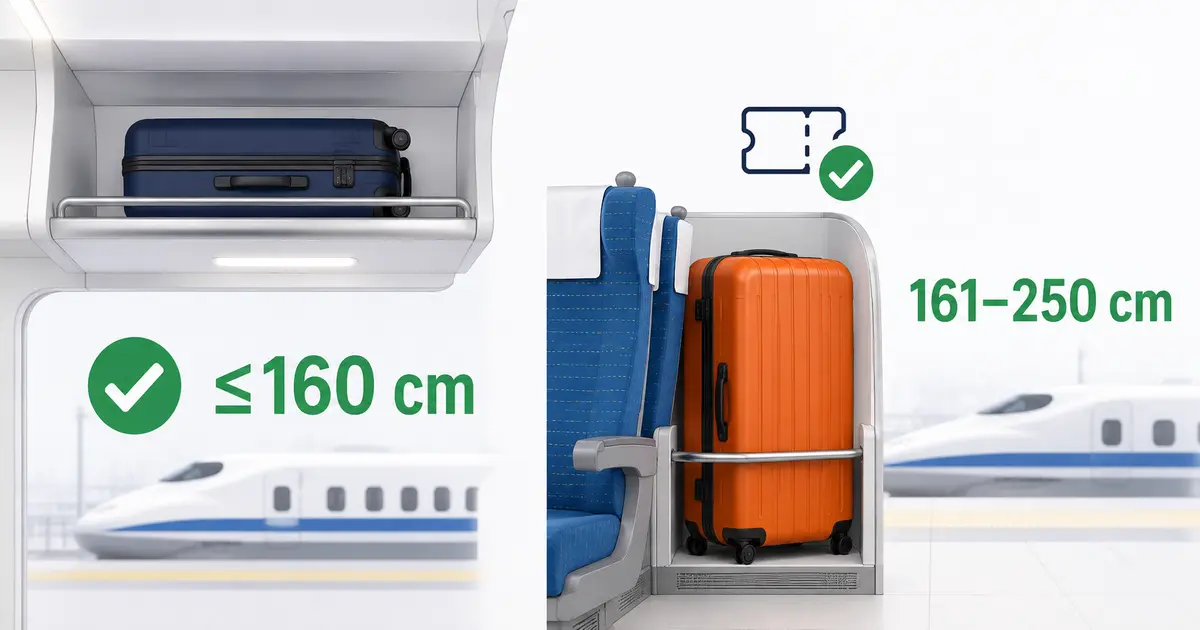
If you will travel with a large suitcase, check our Shinkansen luggage rules guide before reserving your train. Oversized-baggage requirements depend on the route and suitcase dimensions.
Common Suica problems and fixes
Suica does not appear in Apple Wallet
Check that:
- Your iPhone and iOS version are supported
- You are signed into your Apple Account
- Two-factor authentication is enabled
- A passcode, Face ID, or Touch ID is active
- You have an eligible payment card in Wallet
Apple also notes that many transit-card functions are unavailable between midnight and 5:00 a.m. Japan Standard Time. Try again outside that maintenance period.
A U.S. credit card will not top up Suica
A card being present in Apple Wallet does not guarantee that every transit-card top-up will be approved.
Try:
- Confirming the transaction with your card issuer
- Using another eligible card in Apple Wallet
- Trying again outside the maintenance period
- Using cash to top up a physical card after arriving in Japan
Do not repeatedly submit the same payment if the issuer is declining it.
The ticket gate turns red
Do not force your way through or continue tapping repeatedly.
Possible causes include:
- Insufficient balance
- An incomplete previous journey
- Tapping the wrong device or card
- Traveling outside the supported IC-card area
- A reading error caused by multiple contactless cards
Move away from the gate and show the card or phone to a station attendant. If using an iPhone, Apple provides a Service Mode that allows station staff to inspect the transit card.
The balance is too low to exit
Use a fare-adjustment machine or ask a station attendant. Add enough money to cover the remaining fare, then tap out normally.
The phone battery is almost empty
Some compatible iPhones may allow Express Mode for a limited period when the phone needs charging, but travelers should not depend on this.
Carry a charged power bank and keep enough cash for an emergency fare adjustment.
Two IC cards respond at the same time
Remove the card you intend to use from a wallet containing other contactless cards. At Shinkansen gates, multiple IC cards close together can also cause a reading error.
Suica vs. PASMO vs. ICOCA: Does the name matter?
For most short-term visitors making ordinary local journeys, the practical differences are small.
- Suica is issued by JR East.
- PASMO is associated with participating private railways and buses around Tokyo.
- ICOCA is issued by JR West.
Because these cards are widely interoperable, a Suica can be used in many places displaying PASMO or ICOCA acceptance marks, and vice versa.
The main differences involve the issuer, where cards can be purchased or refunded, mobile-device support, visitor-card validity, and special services.
You generally do not need to collect multiple cards for one trip.
Best option for most U.S. travelers
Choose based on your device and travel style.
Use Apple Wallet Suica if:
- You have a compatible iPhone
- You want to check and add balance digitally
- You do not want to carry another physical card
Use Welcome Suica Mobile if:
- You want JR East’s visitor-focused iOS app
- The 180-day validity is enough
- You understand that the balance is nonrefundable
- You may use the app’s additional JR East travel features
Use a physical Welcome Suica if:
- You use an unsupported Android phone
- You prefer a physical card
- You are traveling for 28 days or less
- You are comfortable topping up with yen
- You will use the balance before it expires
Final checklist
Before arriving in Japan:
- Check your exact phone and wallet compatibility
- Update iOS, watchOS, or Android software
- Add an eligible payment card to your digital wallet
- Bring some Japanese yen as a backup
- Decide whether each traveler will use a phone or physical card
- Make separate Shinkansen reservations when required
- Avoid leaving a large balance on a nonrefundable Welcome Suica
Suica makes local transportation in Japan much easier, but the best version depends on your phone. Set it up before your first train when possible, keep a small cash backup, and ask station staff for help rather than repeatedly tapping a card that shows an error.
Official sources
- JR East: Welcome Suica Mobile
- JR East: Welcome Suica
- JR East: Welcome Suica purchase locations and rules
- JR East: Regular Suica information
- Apple: Add a transit card to Apple Wallet in Japan
- Apple: Use transit cards in Japan
- Google Wallet: Add PASMO on Android
- JR East: Touch de Go! Shinkansen
- SmartEX: Boarding the Shinkansen with an IC card