Last fact-checked: August 28, 2026. Apple Wallet features, supported cards, and merchant terminals can change, so confirm your device and card before departure.
Quick answer: Yes, Apple Pay works in Japan, but not as one universal payment method. A U.S.-issued credit or debit card in Apple Wallet can work at stores whose terminals accept EMV contactless payments and that card’s network. For trains and buses, a Suica, PASMO, ICOCA, or TOICA transit card in Apple Wallet is usually the more useful option.
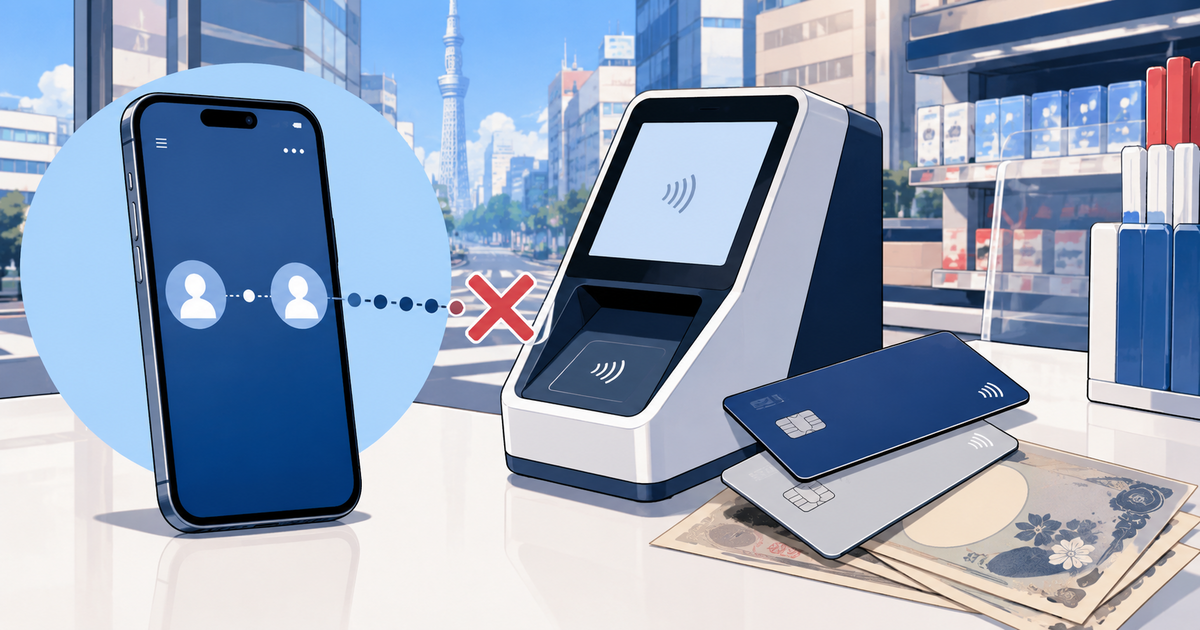
The important distinction is simple: tapping a U.S. credit card at a store is not the same as tapping a Wallet Suica at a train gate. You should also carry a physical card and some Japanese yen because neither option works everywhere.
Best setup for most iPhone users: Add a no-foreign-transaction-fee card to Apple Wallet, add Suica for compatible local transit and small purchases, and bring the physical card plus cash. Use the credit card for larger purchases and Suica for gates, convenience stores, vending machines, and other compatible small payments.
- Apple Pay in Japan: Quick Comparison
- What “Apple Pay Works in Japan” Actually Means
- Using a U.S. Credit Card in Apple Pay at Japanese Stores
- Foreign Transaction Fees and Currency Conversion
- Can You Use Apple Pay Directly at Japanese Train Gates?
- Wallet Suica vs. Welcome Suica Mobile
- Why a U.S. Card May Fail to Top Up Suica
- Where Apple Pay May Not Work
- Can You Withdraw Cash From a Japanese ATM With Apple Pay?
- Hotels: Bring the Physical Card Anyway
- Best Payment Setup for an iPhone User Visiting Japan
- Troubleshooting Apple Pay in Japan
- Frequently Asked Questions
- Does Apple Pay work everywhere in Tokyo?
- Can I use my American Visa or Mastercard through Apple Pay in Japan?
- Can I tap my U.S. credit card in Apple Wallet at a train gate?
- Does Apple Pay charge a foreign transaction fee?
- Can Apple Pay replace cash in Japan?
- Can I add Suica before arriving in Japan?
- Will Express Mode work without an eSIM?
- Final Verdict
- Official Sources
Apple Pay in Japan: Quick Comparison
| Situation | Will Apple Pay work? | Best approach |
|---|---|---|
| Store with EMV contactless | Often, if the merchant accepts your card’s network | Use the U.S. card in Wallet and select credit/contactless |
| Train or subway gate | Yes, with a supported transit card in Wallet | Use Suica, PASMO, ICOCA, or TOICA with Express Mode |
| Store accepting transportation IC cards | Usually, with your Wallet transit card | Tell the cashier you are paying with Suica or the relevant IC card |
| Cash-only shop or restaurant | No | Pay in Japanese yen |
| Typical Japanese ATM | Do not rely on it | Use a physical debit or ATM card |
| Hotel check-in or deposit | Possibly, but requirements vary | Bring the physical card used for the reservation |
For a broader payment plan covering cash, ATMs, physical cards, and IC cards, read our cash vs. card guide for Japan.
What “Apple Pay Works in Japan” Actually Means
Apple Pay is a wallet, not a single Japanese payment network. The result depends on what you select inside Wallet and what the merchant’s terminal is configured to accept.
U.S. travelers will usually encounter three different payment routes:
- A U.S. credit or debit card using EMV contactless: This is the ordinary tap-to-pay method used by many cards internationally.
- A Japanese transit card in Apple Wallet: Suica, PASMO, ICOCA, and TOICA can be used for compatible transportation and at many shops displaying an IC-card acceptance mark.
- Japan-specific electronic money such as iD or QUICPay: These appear at many Japanese registers, but you should not assume that an ordinary U.S.-issued Wallet card supports them.
This explains why a cashier may ask how you want to pay even though you are holding an iPhone. The terminal needs the correct payment route. Apple’s guidance for Japan specifically advises customers to tell the cashier which card or payment method they want to use.
Apple Pay is also not the same as PayPay or another QR-code wallet. A PayPay sign by itself does not mean that your U.S. card in Apple Wallet will work.
Using a U.S. Credit Card in Apple Pay at Japanese Stores
Look for the standard contactless-payment symbol and the logo of your underlying card network. Apple states that a merchant must both accept your card’s payment network and have NFC contactless payments enabled.
A displayed symbol is encouraging, but it is not an absolute guarantee. A terminal may be configured differently at one branch, a cashier may need to select the correct option, or your card issuer may decline the transaction.
What should you say at the register?
If you are using a U.S. credit or debit card in Wallet, asking to pay by credit card or contactless card is usually clearer than saying only “Apple Pay.” If you are using the transit balance in Wallet, say Suica or the name of that IC card.
Useful phrases include:
- Credit card, please: Kaado de onegaishimasu.
- Suica, please: Suica de onegaishimasu.
- Can I use contactless payment? Taatchi kessai wa tsukaemasu ka?
These are practical requests, not magic passwords. Follow the cashier’s instructions and the labels shown on the terminal. If tapping fails, try the physical chip card instead of repeatedly touching the phone to the reader.
Do you need internet access to pay?
A normal Apple Pay store transaction generally does not require your iPhone to have an active cellular or Wi-Fi connection at that moment. However, you may need a connection to add cards, receive issuer verification, review fraud alerts, top up a transit card, or recover from a problem.
If you have not arranged mobile data yet, our U.S. phone compatibility guide for Japan explains roaming, unlocked phones, eSIMs, and network bands.
Foreign Transaction Fees and Currency Conversion
Apple does not add a foreign transaction fee simply because you paid through Apple Pay. Your underlying bank or card issuer can still charge the same international purchase or currency-conversion fees that would apply to the physical card.
Check your card agreement before traveling. A card with no foreign transaction fee can be useful, but you should still bring a second card from another account when possible.
If a Japanese terminal offers to charge you in U.S. dollars, choose JPY or Japanese yen. The U.S.-dollar option is dynamic currency conversion and may include an unfavorable markup. Choosing JPY lets your card network and issuer perform the conversion under their normal terms.
Can You Use Apple Pay Directly at Japanese Train Gates?
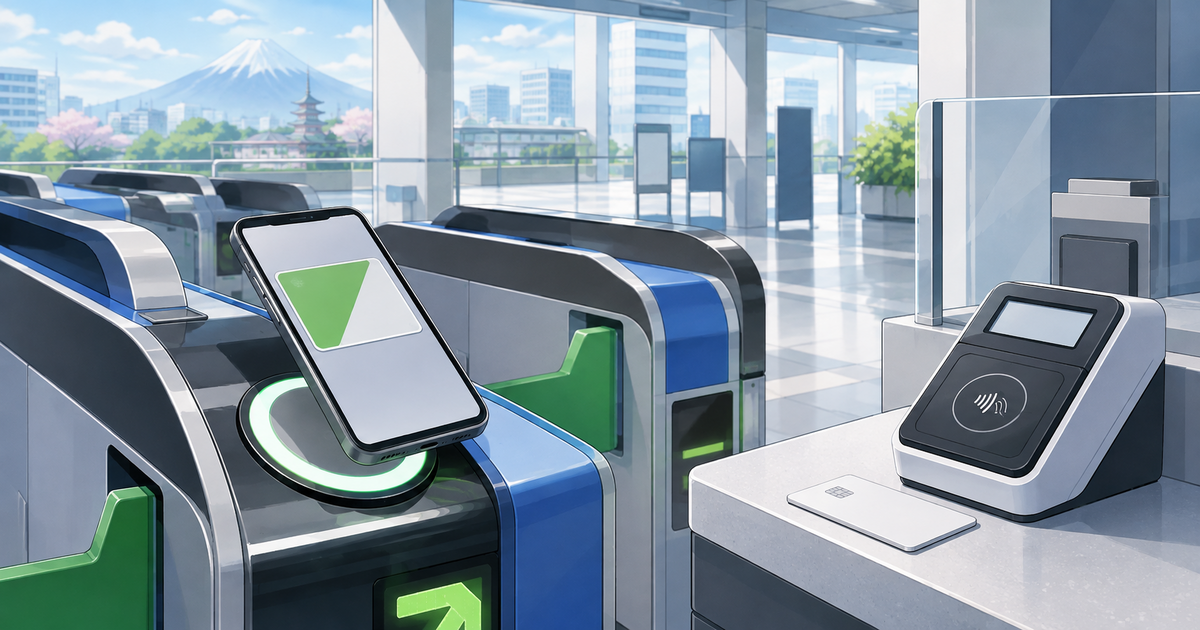
Use a supported transit card in Apple Wallet rather than assuming that a normal U.S. credit card will open every train gate. Apple supports Suica, PASMO, ICOCA, and TOICA in Wallet on compatible devices.
These cards can cover many local trains, subways, buses, and small purchases wherever the corresponding interoperable IC cards are accepted. They do not automatically replace every limited-express or Shinkansen ticket, and they cannot be used for every journey across separate IC-card service areas.
Our full Suica guide for tourists compares Apple Wallet Suica, Welcome Suica Mobile, and physical Welcome Suica, including Shinkansen limitations and child cards.
How to add Suica to Apple Wallet
- Open the Wallet app on your iPhone.
- Tap the plus button.
- Select Transit Card.
- Choose Suica.
- Select the amount you want to add.
- Confirm using an eligible payment card already in Apple Wallet.
Apple currently requires a compatible iPhone or Apple Watch, the latest supported operating system, an Apple Account signed in to iCloud, and two-factor authentication. Apple lists iPhone 8 or later and Apple Watch Series 3 or later for the current Japan transit-card experience, with limited support for certain earlier devices purchased in Japan.
If you transfer an eligible physical transit card into Apple Wallet, the physical card may stop working after the transfer. A transit card can be active on only one device at a time, although it can be moved between a paired iPhone and Apple Watch.
What is Express Mode?
Express Mode lets you tap the iPhone or Apple Watch at a compatible gate without waking or unlocking it, opening Wallet, or using Face ID or Touch ID for every ride. Apple says the device does not need a cellular or Wi-Fi connection for the gate tap.
Some compatible iPhones may continue to support Express Mode briefly when the battery is low enough that the device needs charging. Treat that as an emergency feature, not a travel plan. Carry a power bank and keep a little cash available.
Keep only the intended device or card near the reader. A wallet full of contactless cards can cause a reading error.
Wallet Suica vs. Welcome Suica Mobile
| Option | How you get it | Best for | Important note |
|---|---|---|---|
| Suica in Apple Wallet | Add a transit card directly in Wallet | Travelers who want a regular digital transit card | Requires a compatible device and eligible Wallet payment card |
| Welcome Suica Mobile | Use JR East’s visitor-focused iOS app | Overseas visitors who want English travel features | Issuance or top-up may be restricted before arrival in some countries |
| Physical Welcome Suica | Buy it at a listed JR East sales location | Travelers who prefer a card or cannot use mobile Suica | Physical top-ups are made with Japanese yen |
JR East says Welcome Suica Mobile can issue and top up Suica using a card registered in Apple Pay. The app may require location access, and issuance or charging can be restricted in some countries. If setup fails before departure, try again after arriving in Japan and keep a physical-card plan.
Why a U.S. Card May Fail to Top Up Suica
A card appearing in Apple Wallet does not guarantee that it will be accepted for every transit-card top-up. Apple requires an eligible payment card, and the issuer still decides whether to approve the transaction.
If a top-up fails:
- Confirm that your iPhone, iOS version, Apple Account, and two-factor authentication meet Apple’s requirements.
- Check the banking app for a fraud alert or request to approve the purchase.
- Try another eligible card in Apple Wallet.
- Wait and try again later if the service is undergoing maintenance.
- If using Welcome Suica Mobile outside Japan, retry after arrival with location access enabled.
- Use a physical IC card and cash top-ups if digital charging remains unreliable.
Avoid advice claiming that one U.S. card network always works and another always fails. Issuers, cards, device settings, and payment processing change. The reliable lesson is to bring more than one funding method.
Where Apple Pay May Not Work
Japan’s cashless coverage is strong in many cities, but Apple Pay can still fail or be unavailable at:
- Cash-only restaurants, bars, market stalls, temples, and small shops
- Older ticket machines, vending machines, laundromats, and lockers
- Businesses that accept cards but have not enabled contactless payments
- Terminals that accept a different electronic-money route than your selected Wallet card
- Rural transport or independently operated services
- Any business experiencing a network, terminal, or power outage
JNTO warns that overseas smartphone payment methods may not work in Japan and recommends keeping cash available. Check the payment symbols before ordering rather than discovering the limitation after a meal.
Can You Withdraw Cash From a Japanese ATM With Apple Pay?
Do not plan on using an iPhone as your normal way to withdraw yen. Some ATMs may have contactless features for specific domestic services, but this does not mean that a typical U.S. debit card in Apple Wallet can replace the physical card.
Bring the physical debit or ATM card and know its PIN. Seven Bank and Japan Post Bank are dependable starting points for many overseas-issued cards, although network support, issuer approval, limits, and fees still apply.
Apple Cash, Cash App, and Venmo are also not substitutes for a Japanese ATM or universal merchant payment method. See our guides to using Cash App in Japan and whether Venmo works in Japan before depending on either service.
Hotels: Bring the Physical Card Anyway
A Japanese hotel may accept contactless payment but still request the physical card used for the reservation, a card in the guest’s name, or a deposit. A prepaid booking also does not guarantee that you will need no card at check-in.
From my experience in lodging management, the most preventable payment problem is arriving with only a phone and assuming it can handle every authorization. Bring the physical card associated with the booking and keep another card separately. If your debit card receives a temporary hold, it can reduce the money available in your bank account.
Review passport, payment, deposit, and late-arrival expectations in our Japan hotel check-in guide.
Best Payment Setup for an iPhone User Visiting Japan
- Primary Wallet card: Add a widely accepted credit card with no foreign transaction fee if you have one.
- Wallet transit card: Add Suica or another supported transit card and enable Express Mode on the device you will actually tap.
- Physical backup: Carry the physical primary card and a second card from a separate account.
- Cash: Keep enough yen for small businesses, rural transport, and payment-system failures.
- ATM access: Bring a physical debit or ATM card and confirm its international settings and PIN.
- Power: Carry a charged power bank, especially on long train days.
Store the backup card and emergency cash separately from your everyday wallet. If your phone is lost, stolen, or damaged, you should still be able to reach your hotel and buy food.
Troubleshooting Apple Pay in Japan
The store terminal does not respond
Confirm that the cashier selected the right payment type. If you are using a foreign credit card, request card/contactless payment; if using Suica, request Suica. Then authenticate the correct Wallet card and hold the top of the iPhone near the reader. If it still fails, insert the physical card or use cash.
The transaction is declined
Check for an issuer alert, confirm that international purchases are allowed, and try a different card. Do not repeatedly submit the same transaction. The Japanese merchant cannot override a decline from your U.S. issuer.
The train gate turns red
Step away from the gate rather than tapping repeatedly. Check the balance and make sure you used the same device when entering and exiting. Ask station staff for help. Apple provides a Service Mode that can allow station staff to inspect the transit card on your device.
You moved Suica to your Apple Watch
Use the watch at the gate. A transit card is active on only one device at a time, so the same Suica cannot be used simultaneously from both your iPhone and Apple Watch.
Your iPhone is lost
Use Find My to mark the device as lost as soon as you safely can, contact your card issuers when necessary, and use your separately stored physical backup. Apple Account access and device recovery may require internet service and identity verification.
Frequently Asked Questions
Does Apple Pay work everywhere in Tokyo?
No. It works at many stores and services, but cash-only businesses and terminals without compatible contactless payment still exist. Acceptance can differ between branches of the same type of business.
Can I use my American Visa or Mastercard through Apple Pay in Japan?
Often, when the merchant accepts that network and has EMV contactless enabled. The card issuer can still decline an individual payment, so carry the physical card and a backup.
Can I tap my U.S. credit card in Apple Wallet at a train gate?
Do not assume so. For ordinary compatible transit, add Suica, PASMO, ICOCA, or TOICA to Apple Wallet and tap that transit card with Express Mode.
Does Apple Pay charge a foreign transaction fee?
Apple does not add one merely for using Apple Pay, but the underlying card issuer may charge international purchase or currency-conversion fees. Check your card agreement.
Can Apple Pay replace cash in Japan?
No. It can reduce how often you use cash, particularly in major cities, but it cannot cover every small business, rural service, machine, or emergency.
Can I add Suica before arriving in Japan?
Many travelers can add Suica directly through Apple Wallet before departure. JR East warns that Welcome Suica Mobile issuance or top-up may be restricted in some countries, so retry after arrival if necessary.
Will Express Mode work without an eSIM?
Yes. Apple says a transit-card tap in Express Mode does not require an active cellular or Wi-Fi connection. You may still need internet access for setup, top-ups, issuer verification, and troubleshooting.
Final Verdict
Apple Pay is genuinely useful in Japan when you treat it as two tools: a contactless U.S. payment card for compatible merchants and a Wallet transit card for compatible gates and small purchases. It is not a universal pass for every shop, train, hotel, or ATM.
Set up the cards before your first travel day, learn which payment method you are selecting at the register, choose Japanese yen when offered a currency choice, and keep a physical card plus cash. With those backups, Apple Pay can make a Japan trip noticeably smoother without becoming a single point of failure.
Official Sources
- Apple: Learn where to use Apple Pay
- Apple: Use transit cards on your iPhone or Apple Watch in Japan
- Apple: Add a transit card to Apple Wallet
- JR East: Welcome Suica Mobile
- JR East: Suica information
- Japan National Tourism Organization: Cashless payments in Japan
- Japan National Tourism Organization: Credit cards in Japan
Merchant acceptance, card-issuer decisions, Wallet features, and transit-card rules can change. Check Apple, JR East, the merchant, and your card issuer before relying on a specific payment method.